
Prenumerera på Saramonic
Om du har några frågor, tveka inte att kontakta oss.
Genom att registrera dig godkänner du att ta emot e-postmarknadsföring.
Du kan läsa mer om hur vi hanterar användarinformation genom vår Integritetspolicy.
*
Det gick inte att ladda hämtningstillgänglighet

Digital UHF
130 dB dynamiskt omfång
Miniatyr Lavalier Mic
32-bitars Float REC
Tidskodssynkronisering
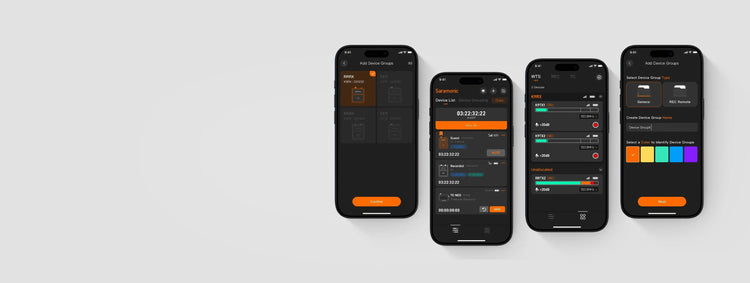
Vi introducerar Saramonic System, en ljudsmart kontrollapp som gör att K9 fungerar mer effektivt. Du kan fjärrstyra upp till 48 enheter – hantera enhetsgrupper, aktivera viloläge för att förlänga batteritiden, uppdatera firmwareversion och mycket mer. Allt du behöver är till hands.
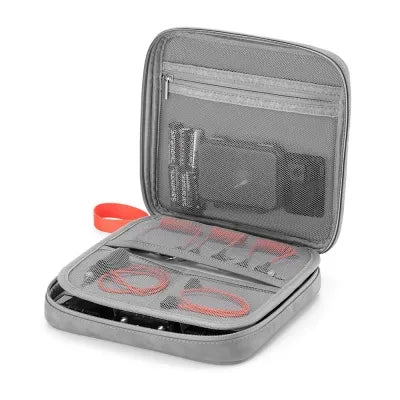

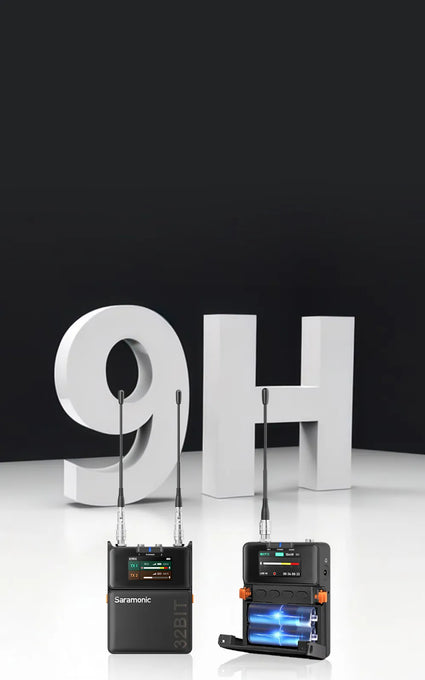
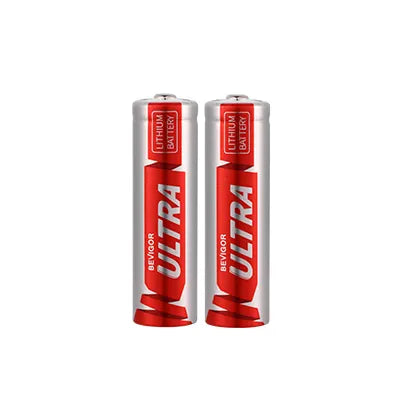
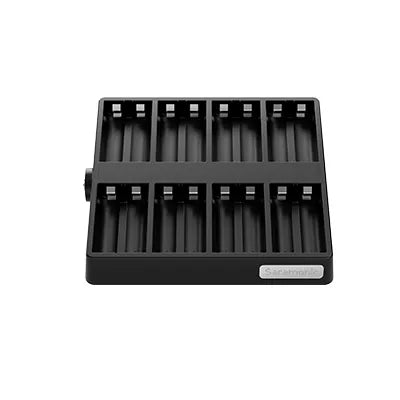
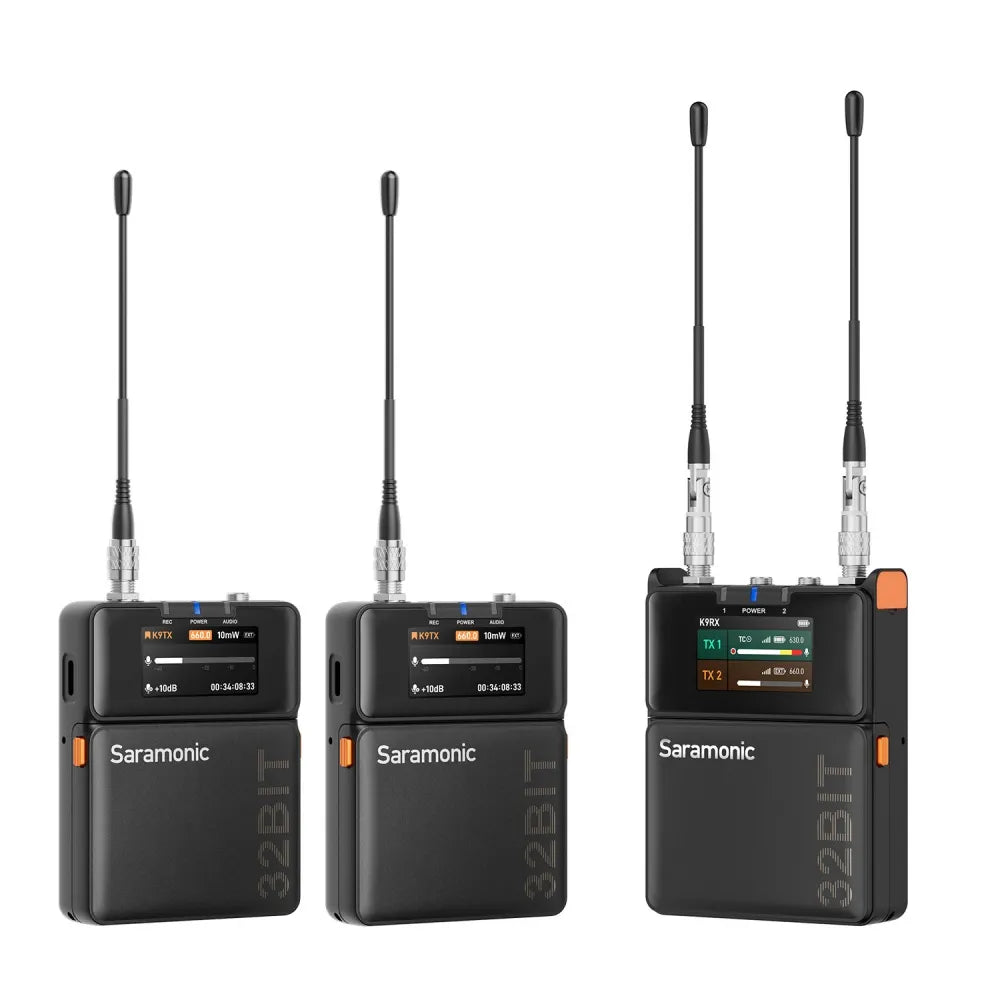
K9-sändaren håller i upp till 9 timmar och mottagaren i upp till 8 timmar. Du kan byta batterier på ett ögonblick — kompatibel med flera typer — eller strömförsörja via USB-C medan du spelar in, så att ljudet rullar igång oavbrutet. För miljövänliga arbetsflöden, välj laddningsbara batterier och en laddningsdocka med 8 platser. Styr din dag, på ditt sätt.
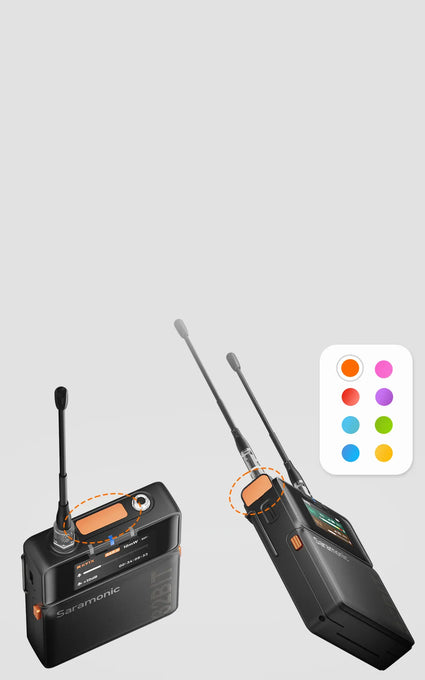
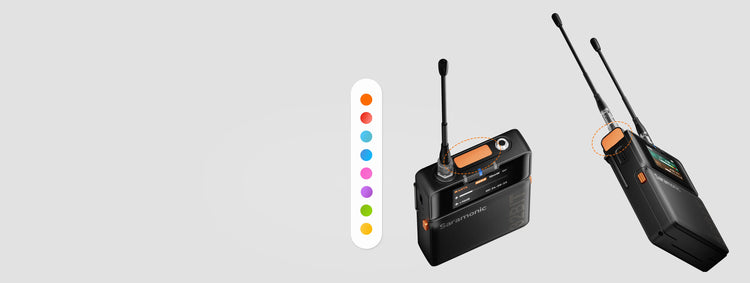
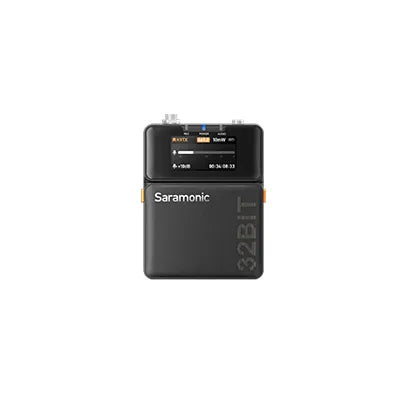
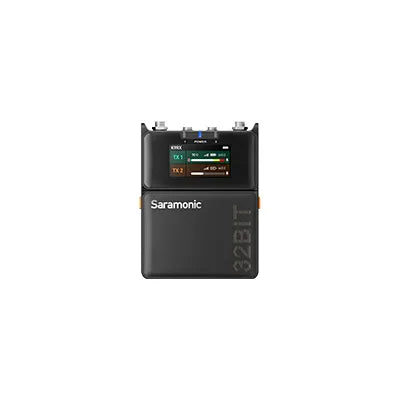
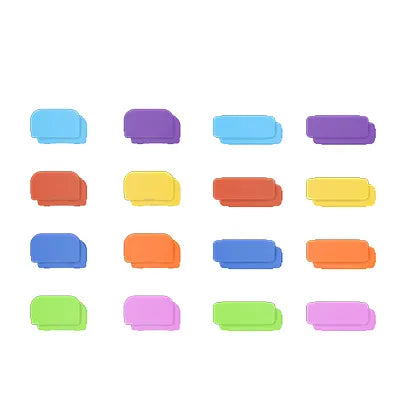
Inspirerad av nordisk minimalism är K9 elegant men kraftfull. Mottagaren har en 1.47" Färgdisplay och en innovativ toppskärm gör den lättläst med en blick, även i direkt solljus. Dolda knappar förhindrar oavsiktliga tryckningar och 8 färgade taggar hjälper dig att snabbt identifiera enheter. Så att du kan fokusera på berättelsen, inte utrustningen. Och den slitstarka metallsändaren är lättare än en telefon med sina 125 g, vilket säkerställer bekväma rörelser för skådespelarna under inspelningen.
Universell anslutning
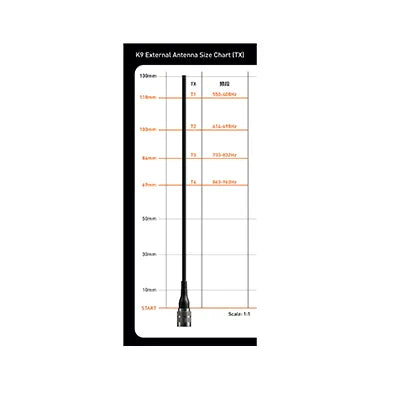
The K9 operates on a reliable MHz UHF spectrum, with GPS-based frequency updates for global compatibility.
· Stronger interference resistance: UHF is more stable and less affected by Wi-Fi and Bluetooth.
· Better transmission in complex environments: UHF can penetrate most materials, while 2.4 GHz is easily blocked by walls.
· Better audio quality: UHF supports uncompressed or low-latency codecs, offering a wider dynamic range and lower noise.
To ensure stable performance, you should scan for the best frequency in your environment before first use. There are three pairing methods (turn on both transmitters and the receiver):
· Use the auto-scan function on the receiver to assign the best frequencies to both transmitters.
· Manually select Pairing 1 or Pairing 2 on the receiver, then set the transmitter frequency.
· Set the same frequency manually on both the transmitter and receiver.
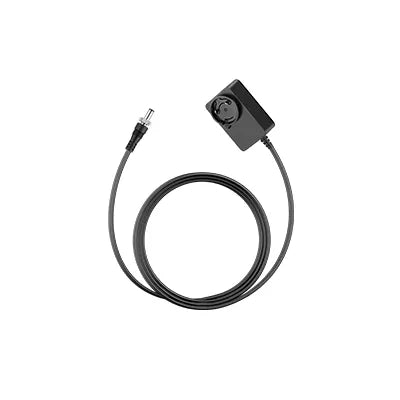
The K9 transmitter and receiver support AA batteries (NiMH/alkaline) or USB-C external power. This allows quick battery replacement or continuous power from a power bank or adapter.
Note: The K9 transmitter and receiver will default to the standard lithium-iron AA battery when powered on for the first time. If switching to a different battery type, update the battery settings in the device for accurate battery level display.
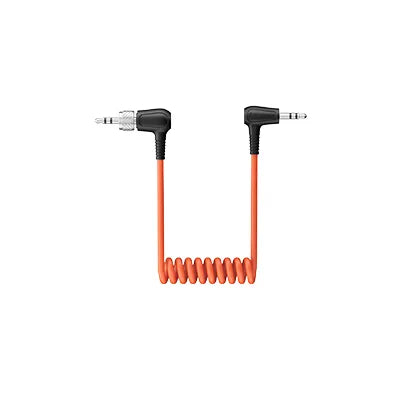
To a camera: Use a 3.5 mm TRS to TRS cable (OUT-A or OUT-B → MIC IN).
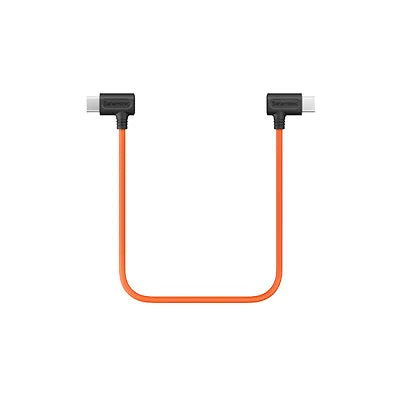
To a phone: Use a USB-C to USB-C audio cable (USB-C → USB-C).
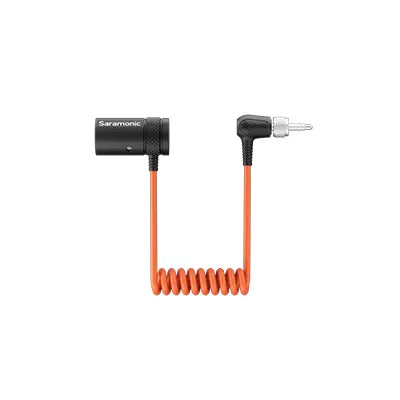
To a recorder/mixer: Use a 3.5 mm TRS to XLR cable (OUT-A or OUT-B → XLR input).
Yes. The Global and U.S. versions support 32-bit float onboard recording via TF card.
Note: K9 systems sold and operated in the US cannot transmit wirelessly and record simultaneously.
Transmitter
· Short press POWER: Mute/unmute.
· Long press UP: Open the recording menu (start/stop recording, check duration, storage).
· Long press DOWN: Open the timecode menu (sync, frame rate, grouping, mode).
Receiver
When B-channel is not in monitoring mode:
· Long press UP: Adjust A-channel output gain.
· Long press DOWN: Adjust B-channel output gain.
When B-channel is in monitoring mode:
· Short press UP/DOWN: Adjust headphone volume.
Gain staging ensures optimal audio levels without noise or distortion.
Steps to set gain:
· Set transmitter input gain to +15 dB and speak into the mic.
· Adjust gain so that peak levels reach around -12 dB on the VU meter (loud but not clipping).
· Set receiver output gain based on the connection type:
To a recorder (TRS to XLR) → Select RX1 (single-channel output), set gain to 0 dB.
To a camera (TRS to TRS) → Select RX1+RX2 (mixed output), set gain to -20 dB.
Transmitter setup:
Connect the transmitter to the recorder's main or sub-output.
Note: Please set the transmitter input to Line-In. Use a different frequency range than the actor’s wireless mic (or at least 10 MHz apart). Clip the transmitter outside the sound bag for better signal transmission.
Receiver setup:
Match the receiver frequency to the transmitter.
Set Output A to RX1 and Output B to Monitor (mirrors A’s audio to headphones).
Adjust monitor volume using the receiver’s UP/DOWN keys (12 levels).
· Power on the transmitter and receiver.
· Open the Saramonic System app and add your device. If it doesn’t appear, reset Bluetooth.
· Go to Monitor > Batch Update. If an update is available, a red dot will appear.
· Ensure stable network connection, then tap Update Now.
· If any devices fail to update, retry with Re-upgrade.
The transmitter has timecode; the receiver does not but displays a “TC” icon when sync is enabled. K9 only supports slave timecode (it can sync but not generate a master timecode).
3 ways to sync timecode:
Wired sync:
· Set Auto/Jam mode and connect a 3.5mm TRS cable to the K9 TX MIC IN.
· Works with Tentacle Sync, DEITY TC-1, UltraSync ONE, etc.
· Syncs timecode from cameras or recorders via TRS/LTC cable.
Local wireless sync:
· Use a Saramonic timecode generator TC-NEO as the master one. Ideal for professional film workflows without phone/network signal.
App sync:
· Connect to Saramonic System app for simultaneous sync. Best for multi-device setups.
In the Tentacle App, turn off Auto and switch to LINE mode.
Om du har några frågor, tveka inte att kontakta oss.
Genom att registrera dig godkänner du att ta emot e-postmarknadsföring.
Du kan läsa mer om hur vi hanterar användarinformation genom vår Integritetspolicy.
Tack för att du prenumererar!
Detta mejl har registrerats!
Redigera alternativ
Back In Stock Notification