
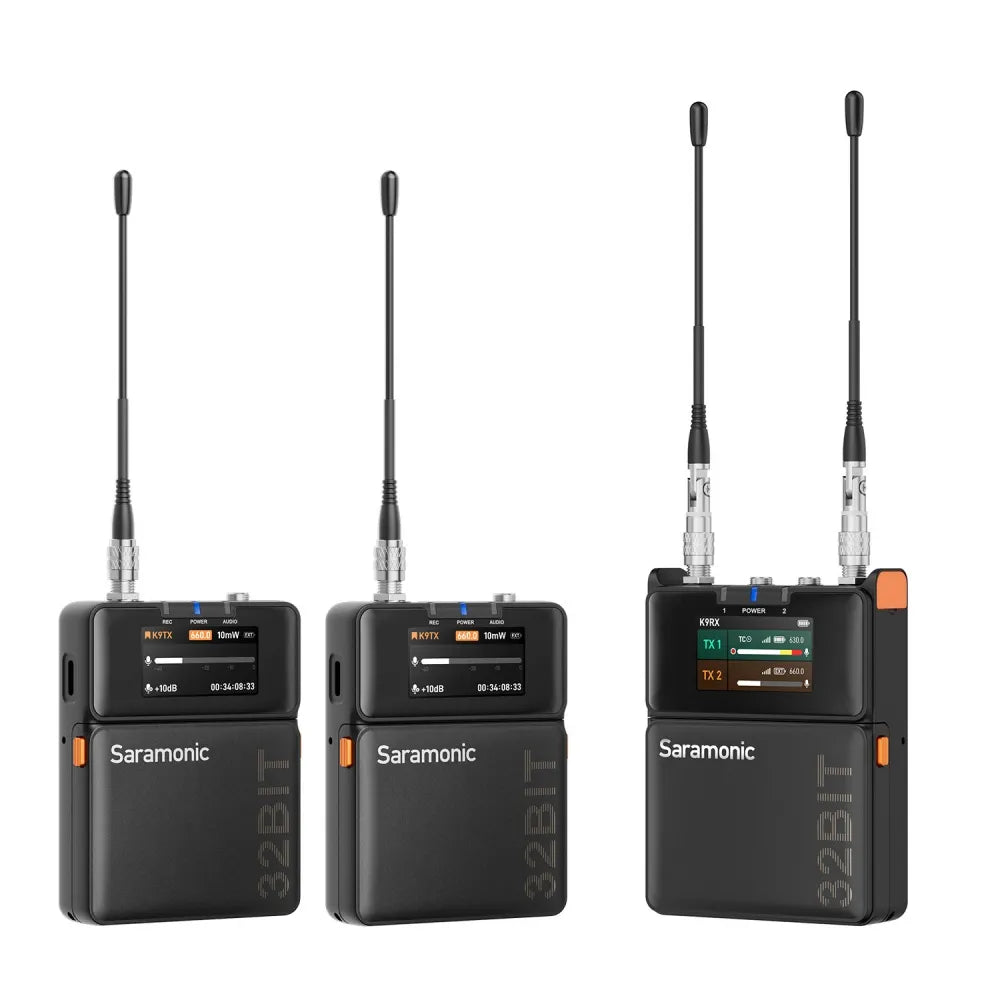
<tc>K9</tc> | 영화 제작자를 위한 듀얼 채널 디지털 UHF 무선 오디오 시스템

  • Ultra- 간섭 방지를 위한 550-960MHz 광대역 UHF 전 세계적으로 뛰어난 성능을 제공합니다.(512-608MHz) & (미국의 경우 740-758MHz)
  • 높은 다이내믹 레인지(130dB 입력) & 120dB 아날로그 출력) 및 비압축 녹음을 위한 디지털 전송
  • 32비트 부동 소수점 온보드 녹화* 및 안전한 백업을 위한 32GB 저장 공간
  • 타임코드 동기화 - Saramonic 시스템을 통한 무선 또는 타사 TC 박스를 통한 유선 방식
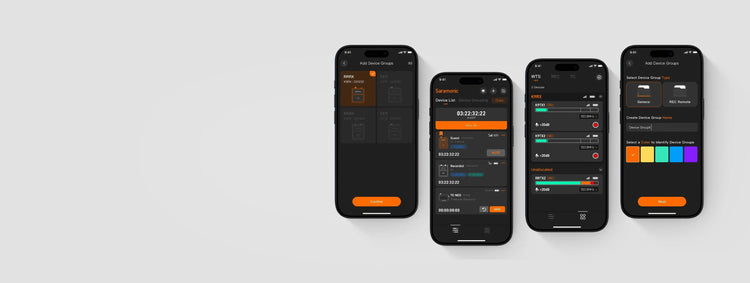
  • 사라모닉 시스템 - 최대 48개 기기의 제어 및 정보 관리를 스마트폰에서 편리하게 이용하세요.

* K9 미국에서 판매 및 운영되는 시스템은 무선으로 전송하면서 동시에 녹음할 수 없습니다.

  • 예상 배송 시간: 영업일 기준 3~8일.
  • 일부 국가의 외곽 지역은 배송이 지연될 수 있습니다.
  • 200달러 이상 주문 시 무료 배송 보험 혜택을 누리세요.
  • 번거로움 없는 반품 및 교환으로 간편한 쇼핑을 즐겨보세요. 일부 품목에는 특별 반품 및 교체 정책이 적용될 수 있습니다. 자세한 내용은 반품 정책을 참조하세요.
    이 제품에는 사라모닉의 2년 글로벌 보증이 제공됩니다. 보증 기간 동안 제품 품질로 인한 결함은 수리가 아닌 제품 교환으로 처리됩니다.

    $999.99 USD
    $999.99 USD
    (-0%)
    모델: 사라모닉 K9
    소계: $999.99
    • saramonic
    <tc>K9</tc> | 영화 제작자를 위한 듀얼 채널 디지털 UHF 무선 오디오 시스템

    <tc>K9</tc> | 영화 제작자를 위한 듀얼 채널 디지털 UHF 무선 오디오 시스템

    $999.99

    <tc>K9</tc> | 영화 제작자를 위한 듀얼 채널 디지털 UHF 무선 오디오 시스템

    $999.99
    모델: 사라모닉 K9

    #엘라 특집

    사라모닉 K9

    영화 제작자를 위한 듀얼 채널 디지털 UHF 무선 오디오 시스템

    숨겨진 버튼

    원치 않는 프레스 방지

    타임코드

    정확한 동기화 및 간소화된 포스트

    듀얼 디스플레이

    가방 발굴 없이 정보 스캔

    미니 라발리에 마이크

    먼지, 물 및 당김 저항

    디지털 UHF

    믿을 수 없을 만큼 안정적

    온보드 REC

    모든 소리를 들려주세요

    녹음기 제어 허브

    녹음기 제어 허브

    완전한 장치 제어권을 확보하세요

    완전한 장치 제어권을 확보하세요

    K9을 더욱 효율적으로 작동시키는 오디오 스마트 제어 앱 사라모닉 시스템을 소개합니다. 최대 48개의 장치를 원격으로 제어할 수 있습니다. 장치 그룹 관리, 절전 모드를 활성화하여 배터리 수명 연장, 펌웨어 버전 업데이트 등을 수행할 수 있습니다. 필요한 모든 것이 바로 여러분의 손끝에 있습니다.

    K9을 더욱 효율적으로 작동시키는 오디오 스마트 제어 앱 사라모닉 시스템을 소개합니다. 최대 48개의 장치를 원격으로 제어할 수 있습니다. 장치 그룹 관리, 절전 모드를 활성화하여 배터리 수명 연장, 펌웨어 버전 업데이트 등을 수행할 수 있습니다. 필요한 모든 것이 바로 여러분의 손끝에 있습니다.

    오래 지속되는 힘

    오래 지속되는 힘

    하루 종일 파워

    하루 종일 파워

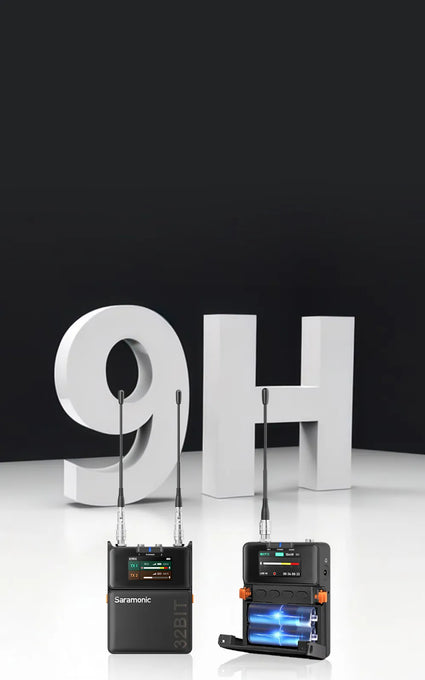
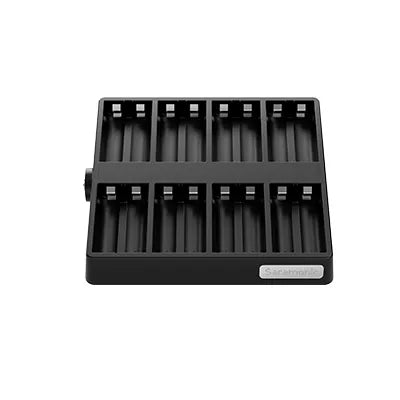
    K9 송신기는 최대 9시간, 수신기는 최대 8시간 지속됩니다. 다양한 유형과 호환되는 배터리를 즉시 교체하거나, 녹음하는 동안 USB-C를 통해 전원을 공급하여 사운드를 계속해서 재생할 수 있습니다. 환경 친화적인 작업 흐름을 위해 충전식 배터리와 8슬롯 충전 도크를 선택하세요. 원하는 방식으로 하루를 강화하세요.

    K9 송신기는 최대 9시간, 수신기는 최대 8시간 지속됩니다. 다양한 유형과 호환되는 배터리를 즉시 교체하거나, 녹음하는 동안 USB-C를 통해 전원을 공급하여 사운드를 계속해서 재생할 수 있습니다. 환경 친화적인 작업 흐름을 위해 충전식 배터리와 8슬롯 충전 도크를 선택하세요. 원하는 방식으로 하루를 강화하세요.

    세련된 디자인

    세련된 디자인

    순수한 디자인, 올인원 포인트

    순수한 디자인, 올인원 포인트

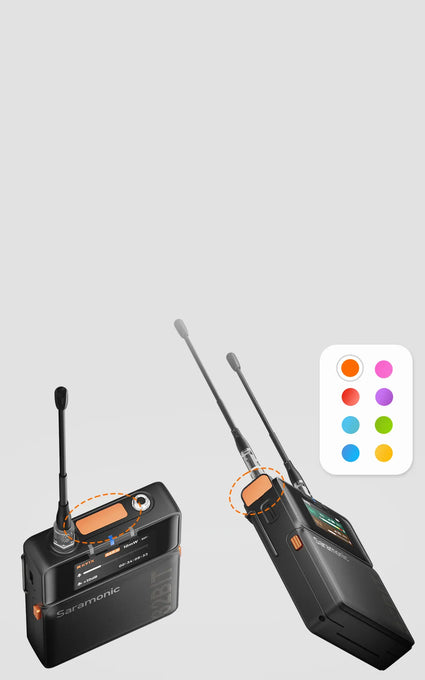
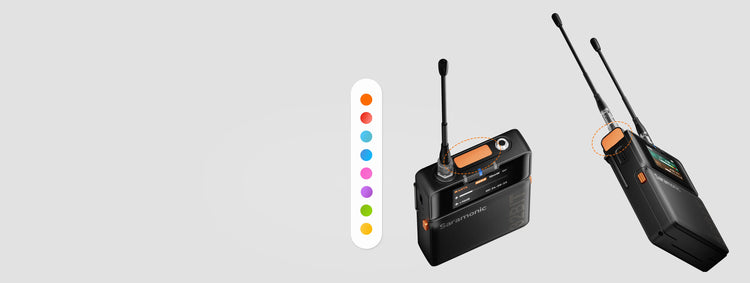
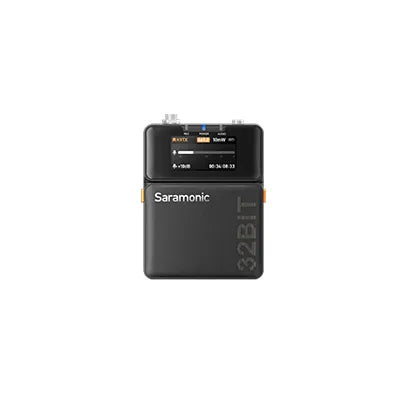
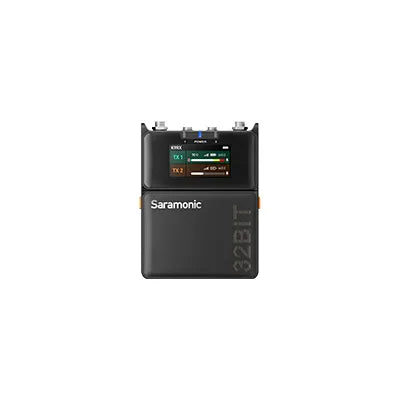
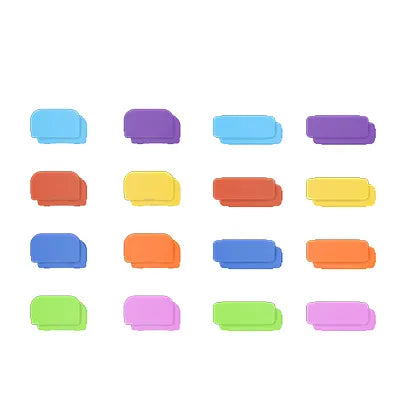
    북유럽 미니멀리즘에서 영감을 받은 K9은 세련되면서도 강력합니다. 수신기는 다음과 같은 특징을 가지고 있습니다. 1.47" 컬러 디스플레이와 혁신적인 상단 화면 덕분에 직사광선 아래에서도 한눈에 쉽게 읽을 수 있습니다. 숨겨진 버튼은 오작동을 방지하고, 8가지 색상의 태그는 기기를 빠르게 식별할 수 있도록 도와줍니다. 덕분에 장비가 아닌 스토리에 집중할 수 있습니다. 또한 내구성이 뛰어난 금속 바디팩 송신기는 125g으로 스마트폰보다 가벼워 촬영 중 배우들의 편안한 움직임을 보장합니다.

    북유럽 미니멀리즘에서 영감을 받은 K9은 세련되면서도 강력합니다. 수신기는 다음과 같은 특징을 가지고 있습니다. 1.47" 컬러 디스플레이와 혁신적인 상단 화면 덕분에 직사광선 아래에서도 한눈에 쉽게 읽을 수 있습니다. 숨겨진 버튼은 오작동을 방지하고, 8가지 색상의 태그는 기기를 빠르게 식별할 수 있도록 도와줍니다. 덕분에 장비가 아닌 스토리에 집중할 수 있습니다. 또한 내구성이 뛰어난 금속 바디팩 송신기는 125g으로 스마트폰보다 가벼워 촬영 중 배우들의 편안한 움직임을 보장합니다.

    범용 연결

    범용 연결

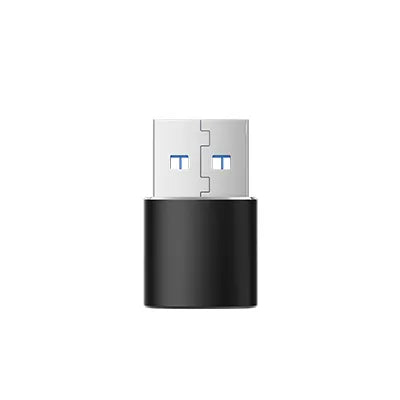
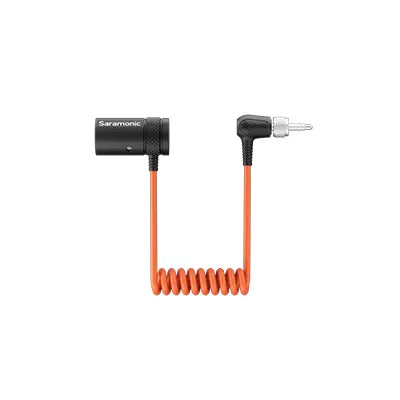
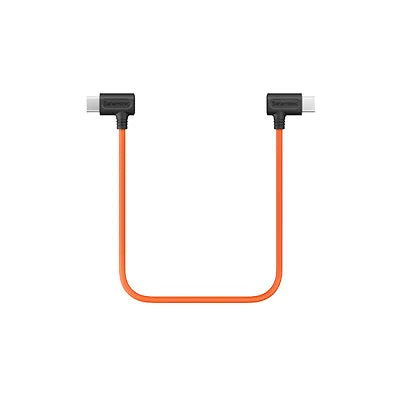
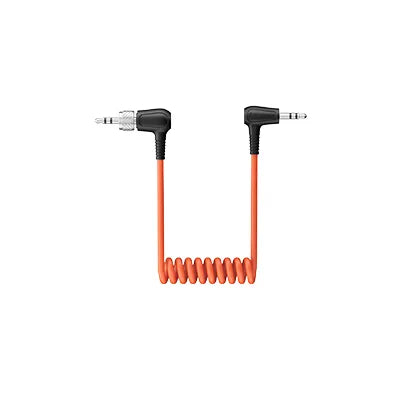
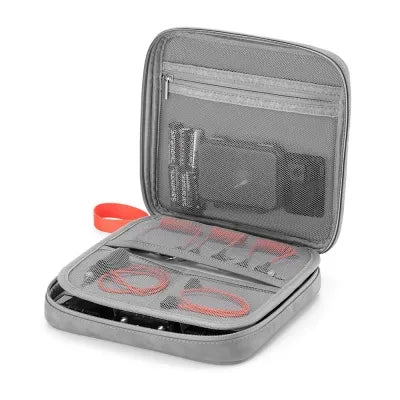
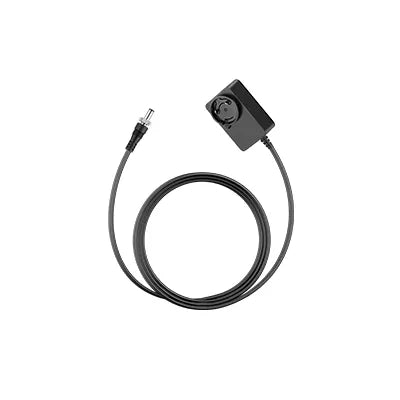
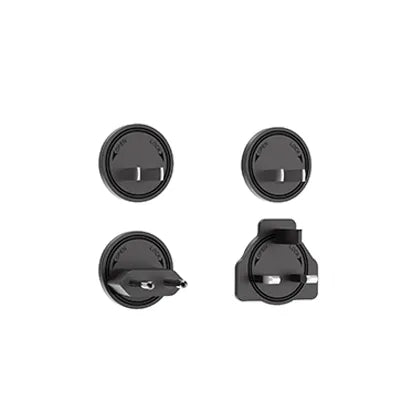
    K9에는 카메라, 레코더, 컴퓨터, 믹서 및 전화기와 호환되는 다양한 어댑터가 함께 제공되어 사용자의 요구에 맞게 다양한 설정에서 다용도로 사용할 수 있습니다.

    The Sound Stories

    What You Need to Know

    Q1:What is the frequency spectrum of the Saramonic K9?

    The K9 operates on a reliable MHz UHF spectrum, with GPS-based frequency updates for global compatibility.

    · Stronger interference resistance: UHF is more stable and less affected by Wi-Fi and Bluetooth.
    · Better transmission in complex environments: UHF can penetrate most materials, while 2.4 GHz is easily blocked by walls.
    · Better audio quality: UHF supports uncompressed or low-latency codecs, offering a wider dynamic range and lower noise.

    To ensure stable performance, you should scan for the best frequency in your environment before first use. There are three pairing methods (turn on both transmitters and the receiver): 
    · Use the auto-scan function on the receiver to assign the best frequencies to both transmitters.
    · Manually select Pairing 1 or Pairing 2 on the receiver, then set the transmitter frequency.
    · Set the same frequency manually on both the transmitter and receiver.

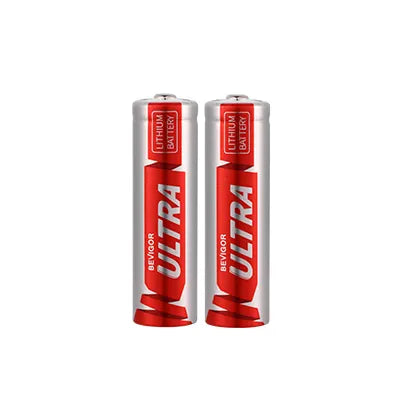
    The K9 transmitter and receiver support AA batteries (NiMH/alkaline) or USB-C external power. This allows quick battery replacement or continuous power from a power bank or adapter. 
    Note: The K9 transmitter and receiver will default to the standard lithium-iron AA battery when powered on for the first time. If switching to a different battery type, update the battery settings in the device for accurate battery level display.

    To a camera: Use a 3.5 mm TRS to TRS cable (OUT-A or OUT-B → MIC IN). 
    To a phone: Use a USB-C to USB-C audio cable (USB-C → USB-C). 
    To a recorder/mixer: Use a 3.5 mm TRS to XLR cable (OUT-A or OUT-B → XLR input).

    Yes. The Global and U.S. versions support 32-bit float onboard recording via TF card. 
    Note: K9 systems sold and operated in the US cannot transmit wirelessly and record simultaneously.

    Transmitter
    · Short press POWER: Mute/unmute.
    · Long press UP: Open the recording menu (start/stop recording, check duration, storage).
    · Long press DOWN: Open the timecode menu (sync, frame rate, grouping, mode). 
    Receiver
    When B-channel is not in monitoring mode:
    · Long press UP: Adjust A-channel output gain.
    · Long press DOWN: Adjust B-channel output gain.
    When B-channel is in monitoring mode:
    · Short press UP/DOWN: Adjust headphone volume.

    Gain staging ensures optimal audio levels without noise or distortion. 
    Steps to set gain:
    · Set transmitter input gain to +15 dB and speak into the mic.
    · Adjust gain so that peak levels reach around -12 dB on the VU meter (loud but not clipping).
    · Set receiver output gain based on the connection type: 
    To a recorder (TRS to XLR) → Select RX1 (single-channel output), set gain to 0 dB.
    To a camera (TRS to TRS) → Select RX1+RX2 (mixed output), set gain to -20 dB.

    Transmitter setup:
    Connect the transmitter to the recorder's main or sub-output.
    Note: Please set the transmitter input to Line-In. Use a different frequency range than the actor’s wireless mic (or at least 10 MHz apart). Clip the transmitter outside the sound bag for better signal transmission. 
    Receiver setup:
    Match the receiver frequency to the transmitter.
    Set Output A to RX1 and Output B to Monitor (mirrors A’s audio to headphones).
    Adjust monitor volume using the receiver’s UP/DOWN keys (12 levels).

    · Power on the transmitter and receiver.
    · Open the Saramonic System app and add your device. If it doesn’t appear, reset Bluetooth.
    · Go to Monitor > Batch Update. If an update is available, a red dot will appear.
    · Ensure stable network connection, then tap Update Now.
    · If any devices fail to update, retry with Re-upgrade.

    The transmitter has timecode; the receiver does not but displays a “TC” icon when sync is enabled. K9 only supports slave timecode (it can sync but not generate a master timecode). 
    3 ways to sync timecode:
    Wired sync:
    · Set Auto/Jam mode and connect a 3.5mm TRS cable to the K9 TX MIC IN.
    · Works with Tentacle Sync, DEITY TC-1, UltraSync ONE, etc.
    · Syncs timecode from cameras or recorders via TRS/LTC cable. 
    Local wireless sync:
    · Use a Saramonic timecode generator TC-NEO as the master one. Ideal for professional film workflows without phone/network signal. 
    App sync:
    · Connect to Saramonic System app for simultaneous sync. Best for multi-device setups.

    In the Tentacle App, turn off Auto and switch to LINE mode.

    핵심 구성요소

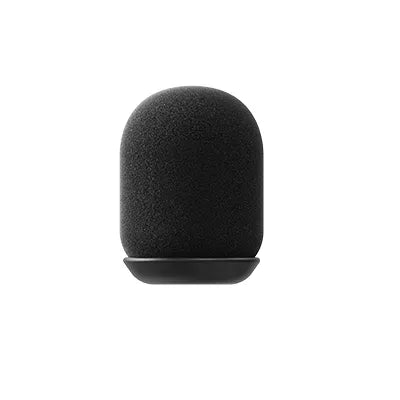
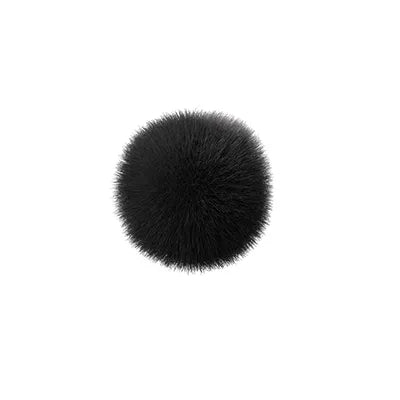
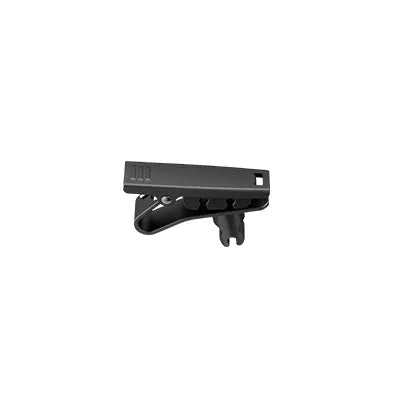
    부속품

    액세서리 별도 판매

    관련 제품