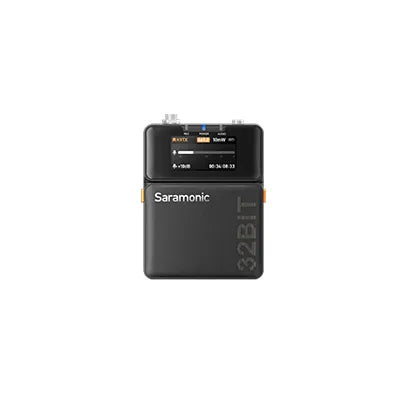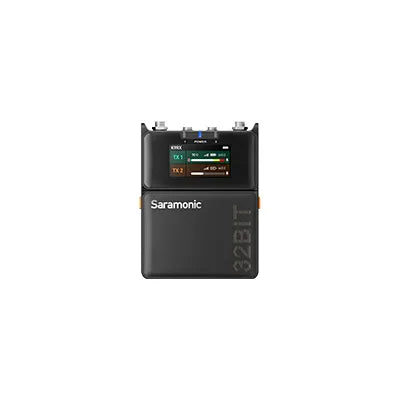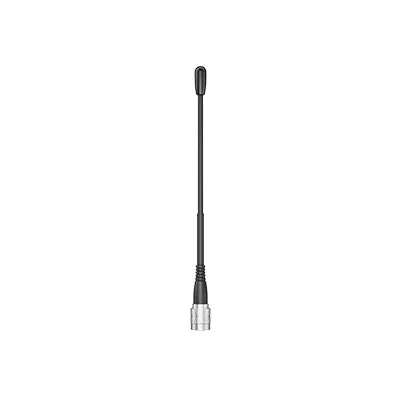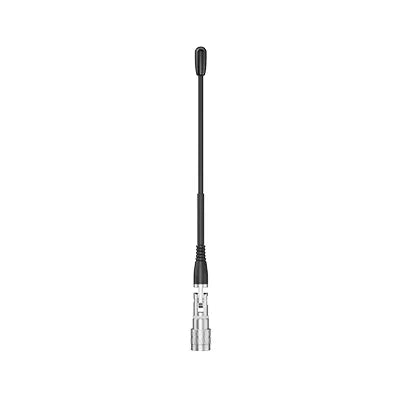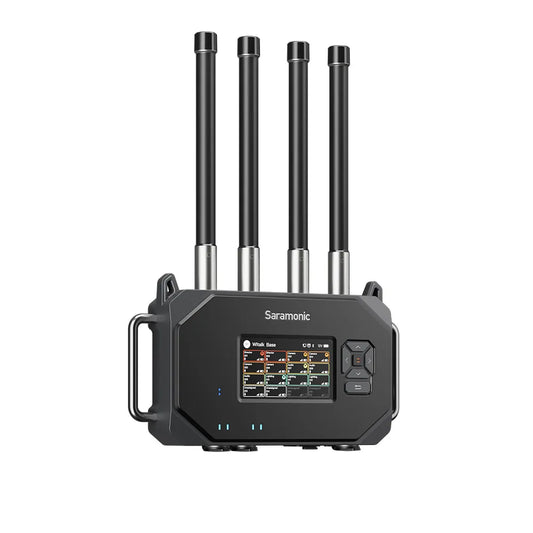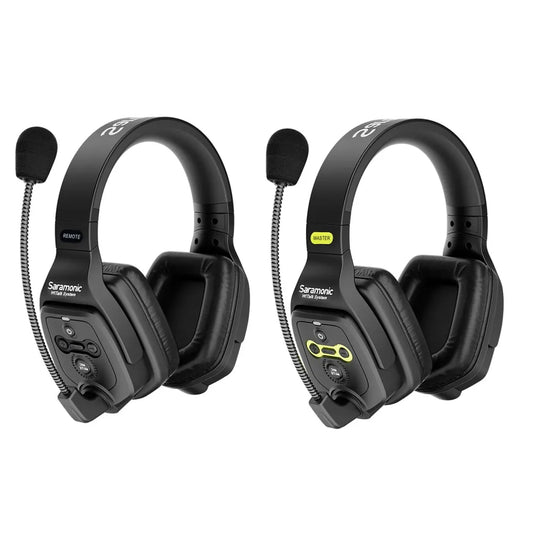

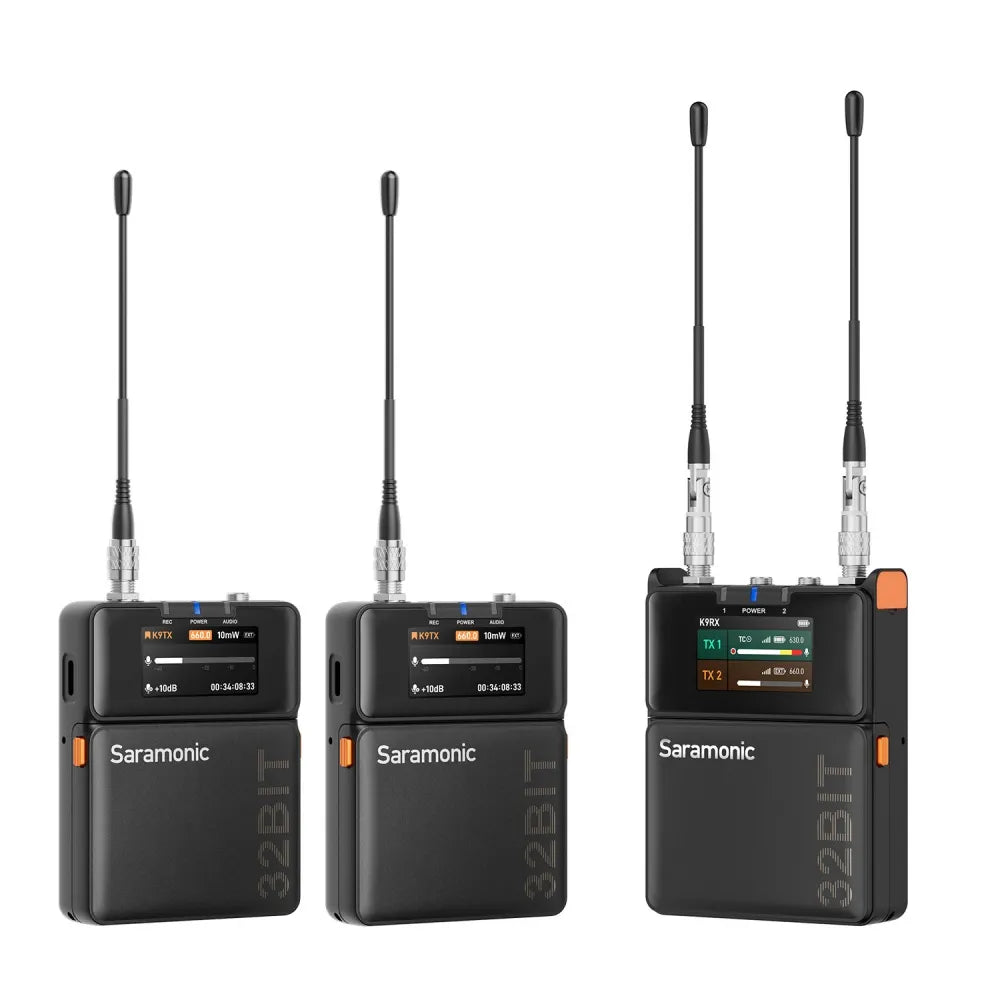
<tc>K9</tc> |映画制作者向けのデュアルチャンネル デジタル UHF ワイヤレス オーディオ システム

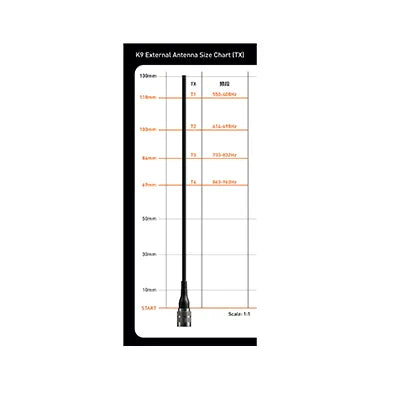
  • Ultra干渉防止のための550~960MHzのUHF 世界中でパフォーマンスを発揮します。(512-608 MHz & 740~758 MHz(米国向け)
  • 高ダイナミックレンジ(130 dB入力 & 120 dBアナログ出力)と非圧縮録音用のデジタル伝送
  • 32 ビット フロート オンボード レコーディング*、安全なバックアップのための 32 GB ストレージ
  • タイムコード同期 - Saramonic System 経由のワイヤレス、またはサードパーティの TC ボックス経由の有線
  • Saramonic システム - スマートフォンで最大 48 台のデバイスの制御と情報ハブを実現

* K9 米国で販売・運用されているシステムは、ワイヤレス送信と録画を同時に行うことはできない。

  • 配達予定日数: 3~8 営業日。
  • 一部の国の遠隔地では配達時間が遅れる場合があります。
  • 200 ドル以上のご注文には無料の配送保険が適用されます。
  • 返品・交換もスムーズに行えますので、安心してお買い物をお楽しみください。一部の商品には、特別な返品および交換ポリシーが適用される場合があります。詳細については返品ポリシーをご覧ください。
    この製品には、Saramonic による 2 年間のグローバル保証が付いています。保証期間内に製品の品質に起因する欠陥が生じた場合は、修理ではなく製品の交換で対応させていただきます。

    $999.99 USD
    $999.99 USD
    (-0%)
    モデル: サラモニック K9
    小計: $999.99
    • saramonic
    <tc>K9</tc> |映画制作者向けのデュアルチャンネル デジタル UHF ワイヤレス オーディオ システム

    <tc>K9</tc> |映画制作者向けのデュアルチャンネル デジタル UHF ワイヤレス オーディオ システム

    $999.99

    <tc>K9</tc> |映画制作者向けのデュアルチャンネル デジタル UHF ワイヤレス オーディオ システム

    $999.99
    モデル: サラモニック K9

    #エラ特集

    サラモニック K9

    映画制作者向けのデュアルチャンネル デジタル UHF ワイヤレス オーディオ システム

    隠しボタン

    不要なプレスを防ぐ

    タイムコード

    正確な同期と効率的な投稿

    デュアルディスプレイ

    バッグディグを行わない情報スキャン

    ミニラベリアマイク

    防塵、防水、引っ張り耐性

    デジタルUHF

    信じられないほどの安定性
    オンボードREC

    あらゆる音を聞き届ける

    記録者コントロールハブ

    記録者コントロールハブ

    トータルデバイスコントロールを実現

    トータルデバイスコントロールを実現

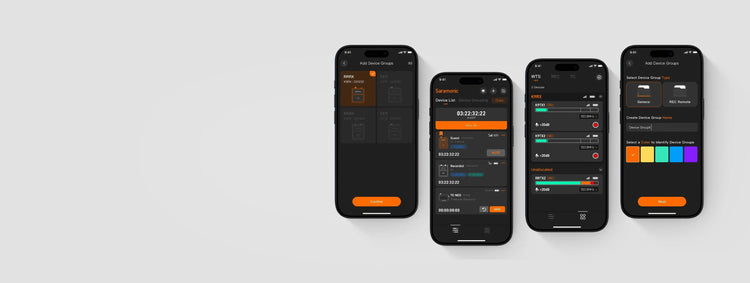
    K9 をより効率的に動作させるオーディオ スマート コントロール アプリ、Saramonic System を紹介します。最大 48 台のデバイスをリモート制御できます。デバイス グループの管理、スリープ モードのアクティブ化によるバッテリ寿命の延長、ファームウェア バージョンの更新などを行うことができます。必要なものはすべてすぐに手に入ります。

    K9 をより効率的に動作させるオーディオ スマート コントロール アプリ、Saramonic System を紹介します。最大 48 台のデバイスをリモート制御できます。デバイス グループの管理、スリープ モードのアクティブ化によるバッテリ寿命の延長、ファームウェア バージョンの更新などを行うことができます。必要なものはすべてすぐに手に入ります。

    長時間持続するパワー

    長時間持続するパワー

    一日中パワーアップ

    一日中パワーアップ

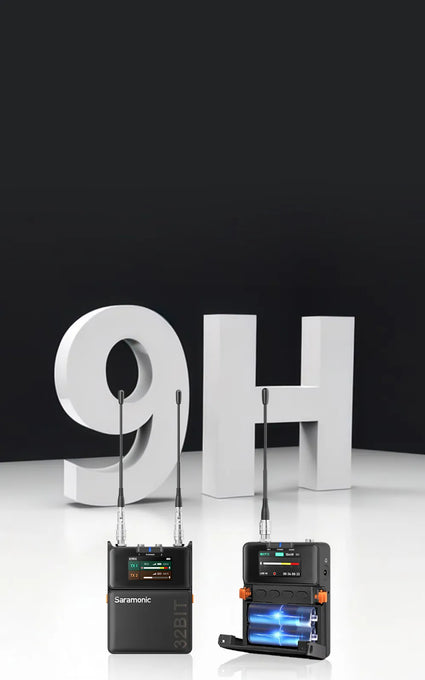
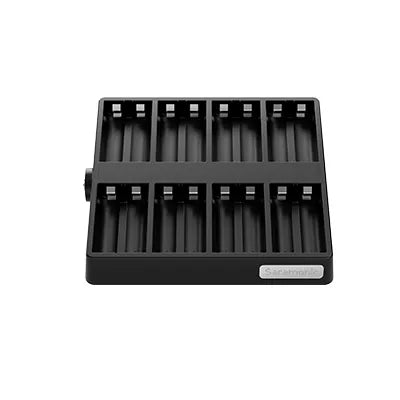
    K9 送信機は最大 9 時間、受信機は最大 8 時間持続します。複数のタイプに対応し、バッテリーを瞬時に交換したり、録音中に USB-C 経由で電源を供給したりして、サウンドをノンストップで再生し続けることができます。環境に優しいワークフローを実現するには、充電式バッテリーと 8 スロットの充電ドックを選択してください。あなたのやり方で一日をパワーアップしましょう。

    K9 送信機は最大 9 時間、受信機は最大 8 時間持続します。複数のタイプに対応し、バッテリーを瞬時に交換したり、録音中に USB-C 経由で電源を供給したりして、サウンドをノンストップで再生し続けることができます。環境に優しいワークフローを実現するには、充電式バッテリーと 8 スロットの充電ドックを選択してください。あなたのやり方で一日をパワーアップしましょう。

    洗練されたデザイン

    洗練されたデザイン

    純粋なデザイン、すべてがポイントに

    純粋なデザイン、すべてがポイントに

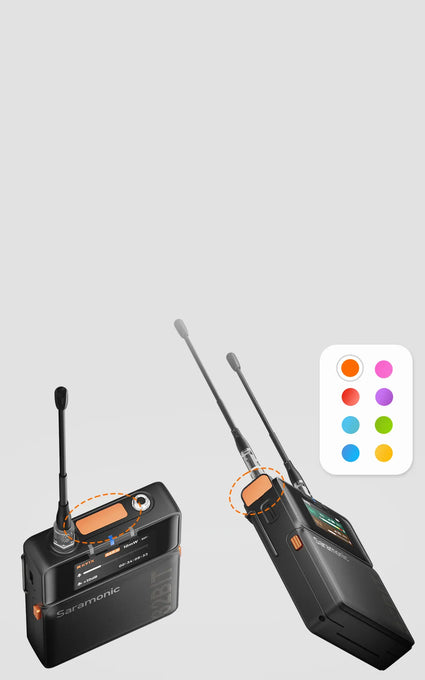
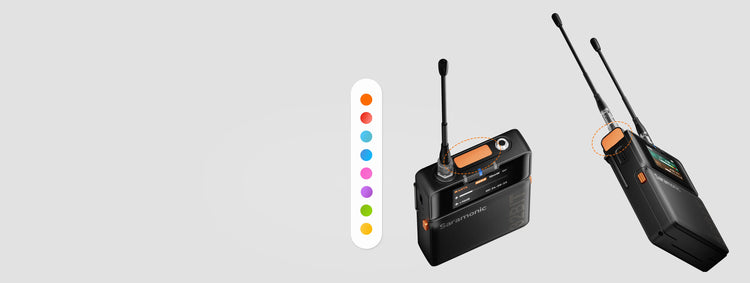
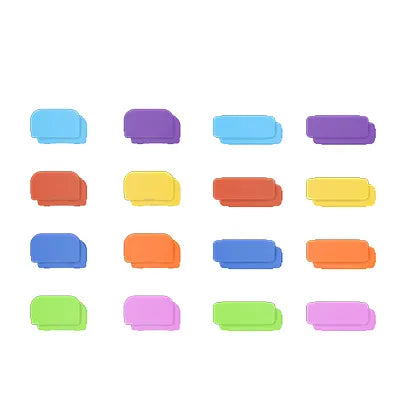
    北欧のミニマリズムにインスパイアされたK9は、洗練されたデザインでありながらパワフルです。受信機には 1.47" カラーディスプレイと革新的なトップスクリーンにより、直射日光下でも一目で内容が確認できます。隠しボタンは誤操作を防ぎ、8色のカラータグでデバイスを素早く識別できます。機材に気を取られることなく、ストーリーに集中できます。耐久性の高い金属製ボディパック型送信機は、スマートフォンよりも軽い125gで、撮影中の俳優の動きを快適にします。

    北欧のミニマリズムにインスパイアされたK9は、洗練されたデザインでありながらパワフルです。受信機には 1.47" カラーディスプレイと革新的なトップスクリーンにより、直射日光下でも一目で内容が確認できます。隠しボタンは誤操作を防ぎ、8色のカラータグでデバイスを素早く識別できます。機材に気を取られることなく、ストーリーに集中できます。耐久性の高い金属製ボディパック型送信機は、スマートフォンよりも軽い125gで、撮影中の俳優の動きを快適にします。

    ユニバーサルコネクション

    ユニバーサルコネクション

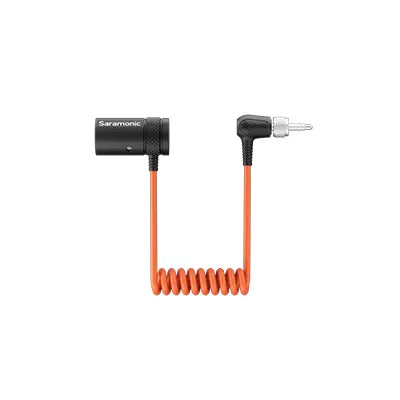
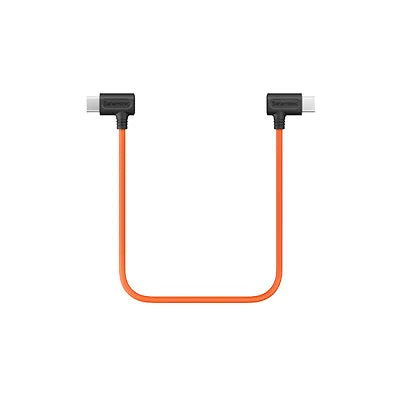
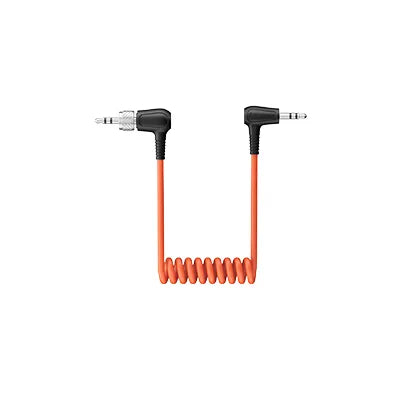
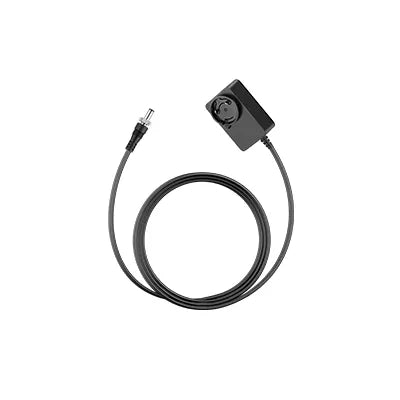
    K9には、カメラ、レコーダー、パソコン、ミキサー、電話などに対応した各種アダプターが付属しており、ニーズに合わせてさまざまなシーンで幅広くお使いいただけます。

    The Sound Stories

    What You Need to Know

    Q1:What is the frequency spectrum of the Saramonic K9?

    The K9 operates on a reliable MHz UHF spectrum, with GPS-based frequency updates for global compatibility.

    · Stronger interference resistance: UHF is more stable and less affected by Wi-Fi and Bluetooth.
    · Better transmission in complex environments: UHF can penetrate most materials, while 2.4 GHz is easily blocked by walls.
    · Better audio quality: UHF supports uncompressed or low-latency codecs, offering a wider dynamic range and lower noise.

    To ensure stable performance, you should scan for the best frequency in your environment before first use. There are three pairing methods (turn on both transmitters and the receiver): 
    · Use the auto-scan function on the receiver to assign the best frequencies to both transmitters.
    · Manually select Pairing 1 or Pairing 2 on the receiver, then set the transmitter frequency.
    · Set the same frequency manually on both the transmitter and receiver.

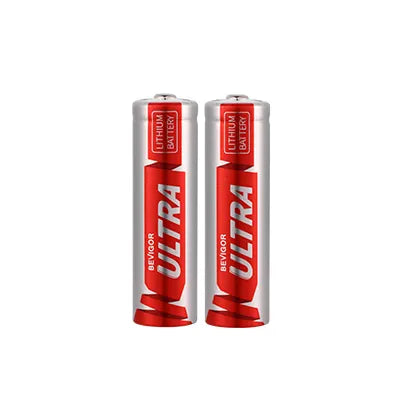
    The K9 transmitter and receiver support AA batteries (NiMH/alkaline) or USB-C external power. This allows quick battery replacement or continuous power from a power bank or adapter. 
    Note: The K9 transmitter and receiver will default to the standard lithium-iron AA battery when powered on for the first time. If switching to a different battery type, update the battery settings in the device for accurate battery level display.

    To a camera: Use a 3.5 mm TRS to TRS cable (OUT-A or OUT-B → MIC IN). 
    To a phone: Use a USB-C to USB-C audio cable (USB-C → USB-C). 
    To a recorder/mixer: Use a 3.5 mm TRS to XLR cable (OUT-A or OUT-B → XLR input).

    Yes. The Global and U.S. versions support 32-bit float onboard recording via TF card. 
    Note: K9 systems sold and operated in the US cannot transmit wirelessly and record simultaneously.

    Transmitter
    · Short press POWER: Mute/unmute.
    · Long press UP: Open the recording menu (start/stop recording, check duration, storage).
    · Long press DOWN: Open the timecode menu (sync, frame rate, grouping, mode). 
    Receiver
    When B-channel is not in monitoring mode:
    · Long press UP: Adjust A-channel output gain.
    · Long press DOWN: Adjust B-channel output gain.
    When B-channel is in monitoring mode:
    · Short press UP/DOWN: Adjust headphone volume.

    Gain staging ensures optimal audio levels without noise or distortion. 
    Steps to set gain:
    · Set transmitter input gain to +15 dB and speak into the mic.
    · Adjust gain so that peak levels reach around -12 dB on the VU meter (loud but not clipping).
    · Set receiver output gain based on the connection type: 
    To a recorder (TRS to XLR) → Select RX1 (single-channel output), set gain to 0 dB.
    To a camera (TRS to TRS) → Select RX1+RX2 (mixed output), set gain to -20 dB.

    Transmitter setup:
    Connect the transmitter to the recorder's main or sub-output.
    Note: Please set the transmitter input to Line-In. Use a different frequency range than the actor’s wireless mic (or at least 10 MHz apart). Clip the transmitter outside the sound bag for better signal transmission. 
    Receiver setup:
    Match the receiver frequency to the transmitter.
    Set Output A to RX1 and Output B to Monitor (mirrors A’s audio to headphones).
    Adjust monitor volume using the receiver’s UP/DOWN keys (12 levels).

    · Power on the transmitter and receiver.
    · Open the Saramonic System app and add your device. If it doesn’t appear, reset Bluetooth.
    · Go to Monitor > Batch Update. If an update is available, a red dot will appear.
    · Ensure stable network connection, then tap Update Now.
    · If any devices fail to update, retry with Re-upgrade.

    The transmitter has timecode; the receiver does not but displays a “TC” icon when sync is enabled. K9 only supports slave timecode (it can sync but not generate a master timecode). 
    3 ways to sync timecode:
    Wired sync:
    · Set Auto/Jam mode and connect a 3.5mm TRS cable to the K9 TX MIC IN.
    · Works with Tentacle Sync, DEITY TC-1, UltraSync ONE, etc.
    · Syncs timecode from cameras or recorders via TRS/LTC cable. 
    Local wireless sync:
    · Use a Saramonic timecode generator TC-NEO as the master one. Ideal for professional film workflows without phone/network signal. 
    App sync:
    · Connect to Saramonic System app for simultaneous sync. Best for multi-device setups.

    In the Tentacle App, turn off Auto and switch to LINE mode.

    コアコンポーネント

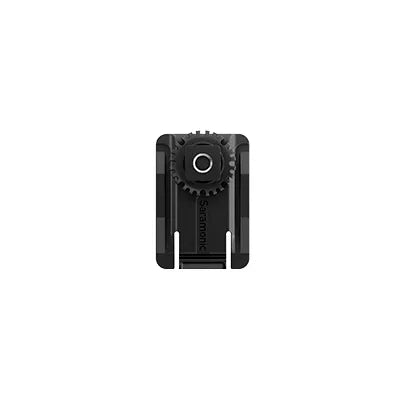
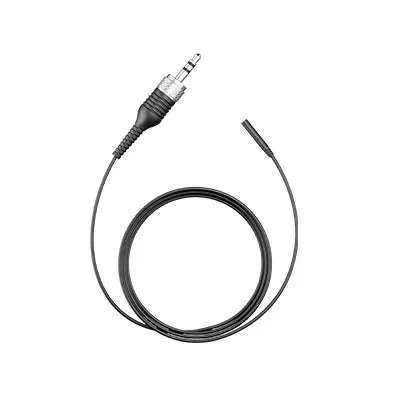
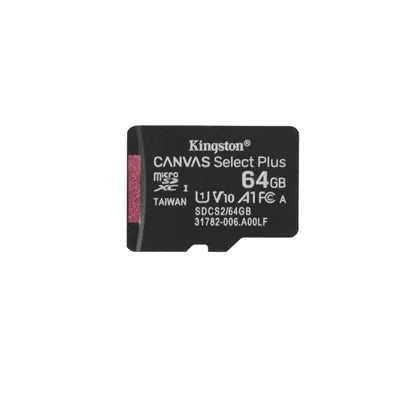
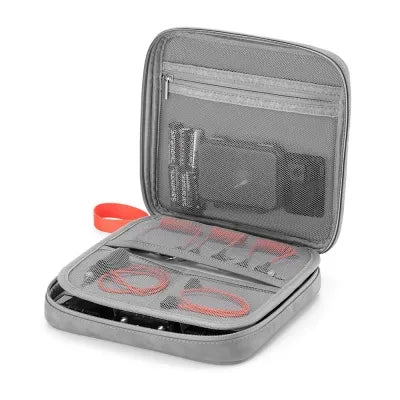
    付属品

    付属品の別売りもございます

    関連製品