
Subscribe to SARAMONIC
If you have any questions, please don't hesitate to contact us.
By signing up, you agree to receive email marketing.
You can learn more about how we handle user information through our Privacy Policy.
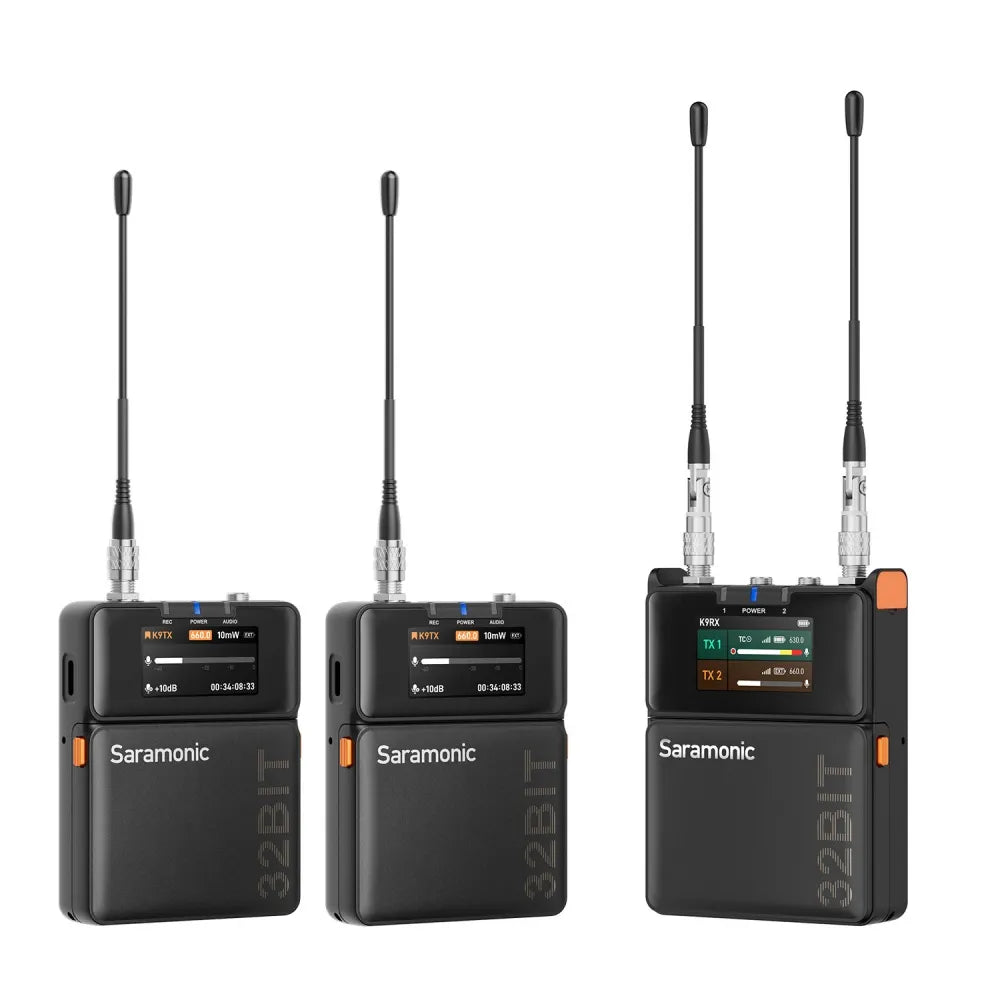
* K9 systems sold and operated in the US cannot transmit wirelessly and record simultaneously
Couldn't load pickup availability

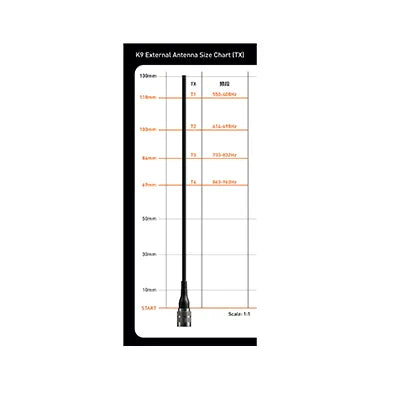
The K9 operates on a 550–960 MHz ultra-wide UHF spectrum, with GPS-based frequency updates for global compatibility.
To ensure stable performance, you should scan for the best frequency in your environment before first use. There are three pairing methods (turn on both transmitters and the receiver):
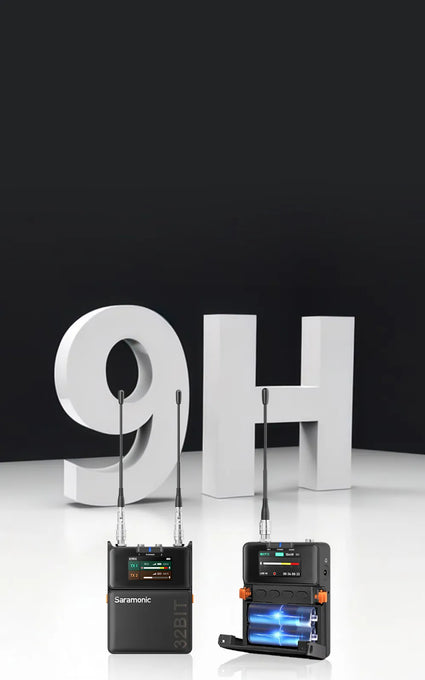
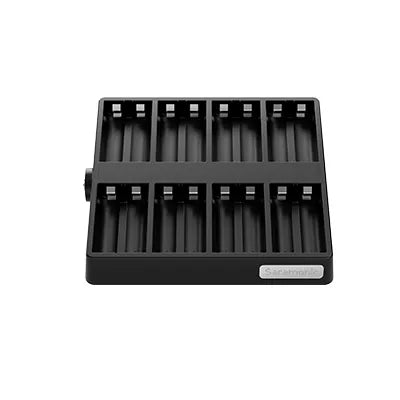
The K9 transmitter and receiver support AA batteries (NiMH/alkaline) or USB-C external power. This allows quick battery replacement or continuous power from a power bank or adapter.
Note: The K9 transmitter and receiver will default to the standard lithium-iron AA battery when powered on for the first time. If switching to a different battery type, update the battery settings in the device for accurate battery level display.

Yes. The Global and U.S. versions support 32-bit float onboard recording via TF card.
Note: K9 systems sold and operated in the US cannot transmit wirelessly and record simultaneously.

Transmitter
Receiver
When B-channel is not in monitoring mode:
When B-channel is in monitoring mode:
Gain staging ensures optimal audio levels without noise or distortion.
Steps to set gain:
To a recorder (TRS to XLR) → Select RX1 (single-channel output), set gain to 0 dB.
To a camera (TRS to TRS) → Select RX1+RX2 (mixed output), set gain to -20 dB.
Transmitter setup:
Connect the transmitter to the recorder's main or sub-output.
Note: Please set the transmitter input to Line-In. Use a different frequency range than the actor’s wireless mic (or at least 10 MHz apart). Clip the transmitter outside the sound bag for better signal transmission.
Receiver setup:
Match the receiver frequency to the transmitter. Set Output A to RX1 and Output B to Monitor (mirrors A’s audio to headphones). Adjust monitor volume using the receiver’s UP/DOWN keys (12 levels).
The transmitter has timecode; the receiver does not but displays a “TC” icon when sync is enabled. K9 only supports slave timecode (it can sync but not generate a master timecode).
3 ways to sync timecode:
Wired sync:
Local wireless sync:
App sync:
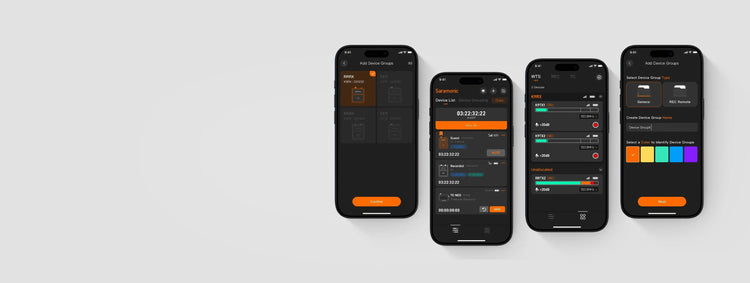
In the Tentacle App, turn off Auto and switch to LINE mode.
I never received it. You stole my money.
Almost impossible to firmware upgrade using the app, it timed out three times. Then I tried it using the SD card and one of the transmitters locked up before going through on the second try. I was hoping updated firmware would solve the app connection problems, but it made no difference, the app is very henky and unreliable
Without a serious response from Saramonic’s customer service, I will be publicly sharing my disastrous experience with this brand.
As an audiovisual professional, I recently purchased a K9 32B Float kit. One transmitter arrived non-functional upon delivery. After dozens and dozens of exchanges with customer service, I finally received confirmation that a replacement transmitter would be sent. Despite my clear explanations, the company sent the K9 US version instead of the K9 32B. These two devices are not the same and do not have the same technical capabilities. It is simply outrageous. I paid for a more advanced product.
To everyone reading this, I strongly advise you to look elsewhere — this brand shows absolutely no customer consideration when problems arise.
The system works very well, but I would like to point out a very important issue to see if it can be addressed by the design department. I am referring to the microphone input on the TX because I have noticed that with most of the leading lavalier microphones (DPA, Seenheiser, etc.), it is not possible to use a setting that does not require a gain on the TX K9 input of at least 20/24 dB. The capsules supplied with the kit are set to +24dB. I don't understand this choice. I don't understand why you didn't design the microphone input and its circuit so that it could work correctly at 0dB or even with negative values, as is the case with most of the TX/RX systems I have used previously. I would like to point out that all the major TXs (Seenheiser Evolution, Wisycom, Sony, etc.) work perfectly with input sensitivity values of -20dB, which translates into a complete absence of background noise. The microphone input of the TX K9, on the other hand, is unusable with values below +19 dB and does not go below 0 dB of gain (it is not possible to set negative values, which in any case would be unusable in a situation such as the one I have described). This clearly indicates that the microphone input circuit of the TX K9 does not have an adequate nominal sensitivity level (at 0 dB I do not hear any background noise, but the level is too low and therefore unusable, and at values of +19 and above, in order to obtain adequate speech modulation, the background noise becomes very, very noticeable. Do you think you could review this negative aspect by modifying the firmware to correct this problem?
I recently purchased the Saramonic K9 kit for a project. I initially had some issues: a faulty transmitter still prevents full use of the kit, which has been frustrating, especially for time-sensitive projects. I hope Saramonic resolves this quickly.
If you have any questions, please don't hesitate to contact us.
By signing up, you agree to receive email marketing.
You can learn more about how we handle user information through our Privacy Policy.
Thanks for subscribing!
This email has been registered!
Edit option
Back In Stock Notification